

Deleting or Suspending Email Accounts
1) Login to your Direct Admin Panel.
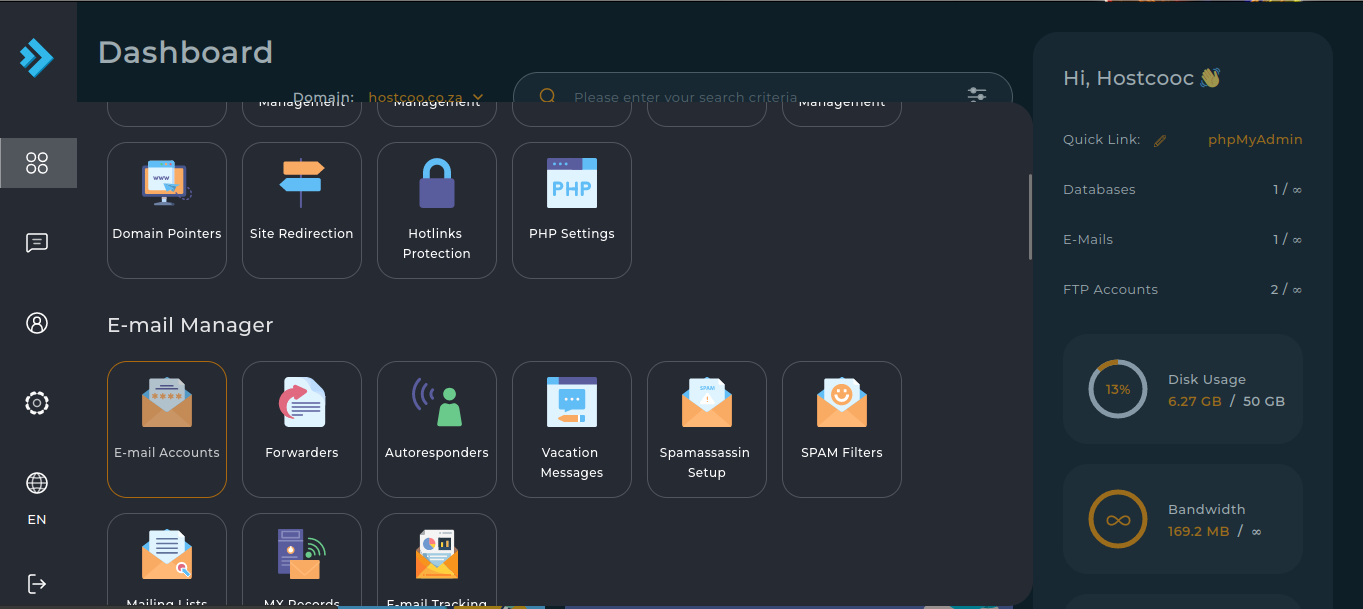
2) Click the "E-Mail Accounts" button from the "E-Mail Manager" tab.
3) To delete an email account, select the email account and click "Delete" button.
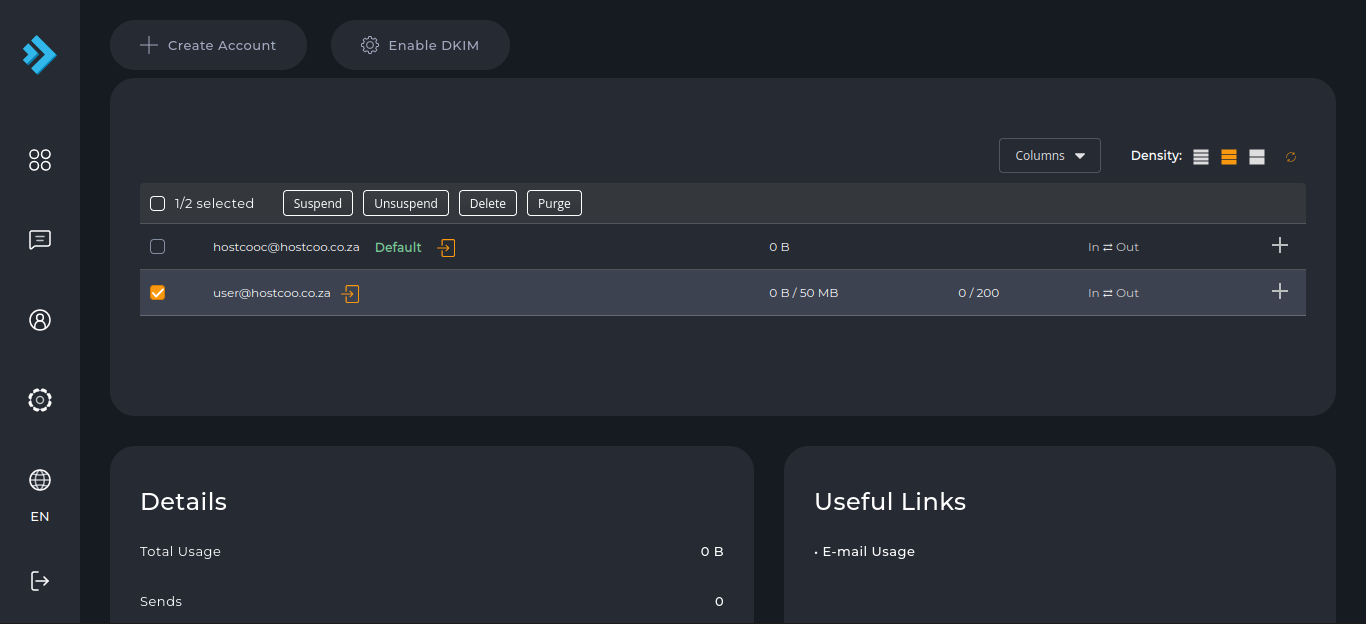
4) To "Suspend" or "Unsuspend" the email account, click the corresponding button.
