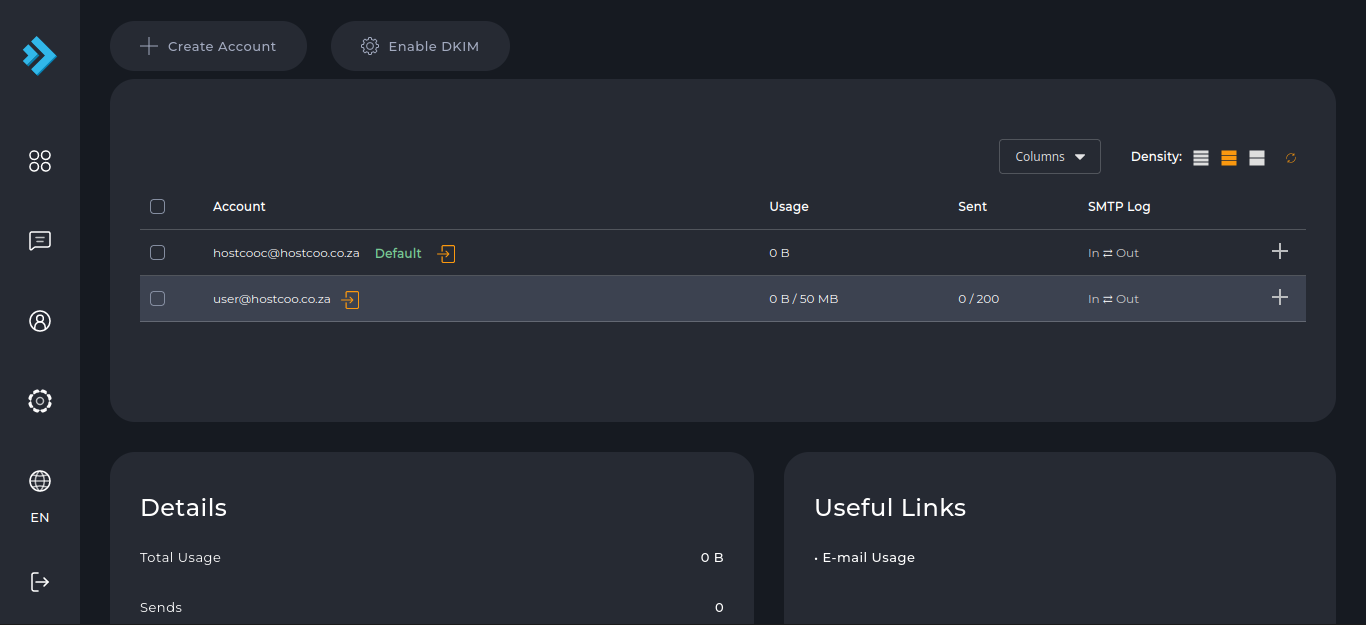
Create email accounts
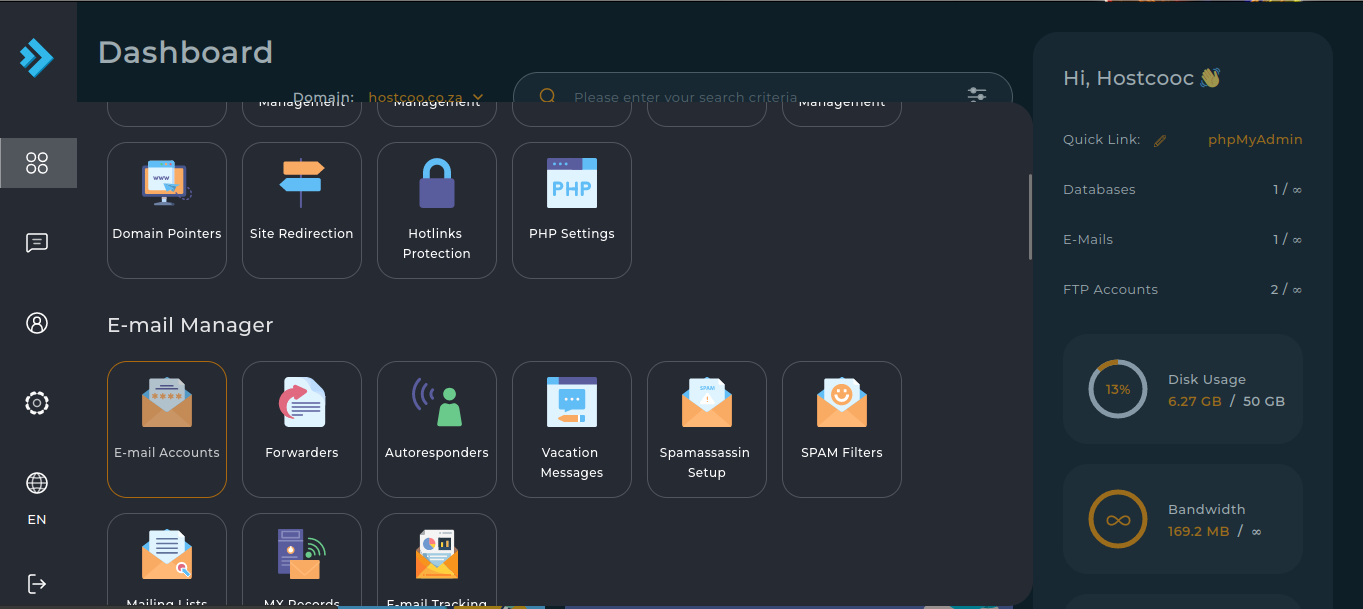
1) Login to your Direct Admin Panel.
2) Click the "E-Mail Accounts" button from the "E-Mail Manager" tab.
3) Click on "Create Account"
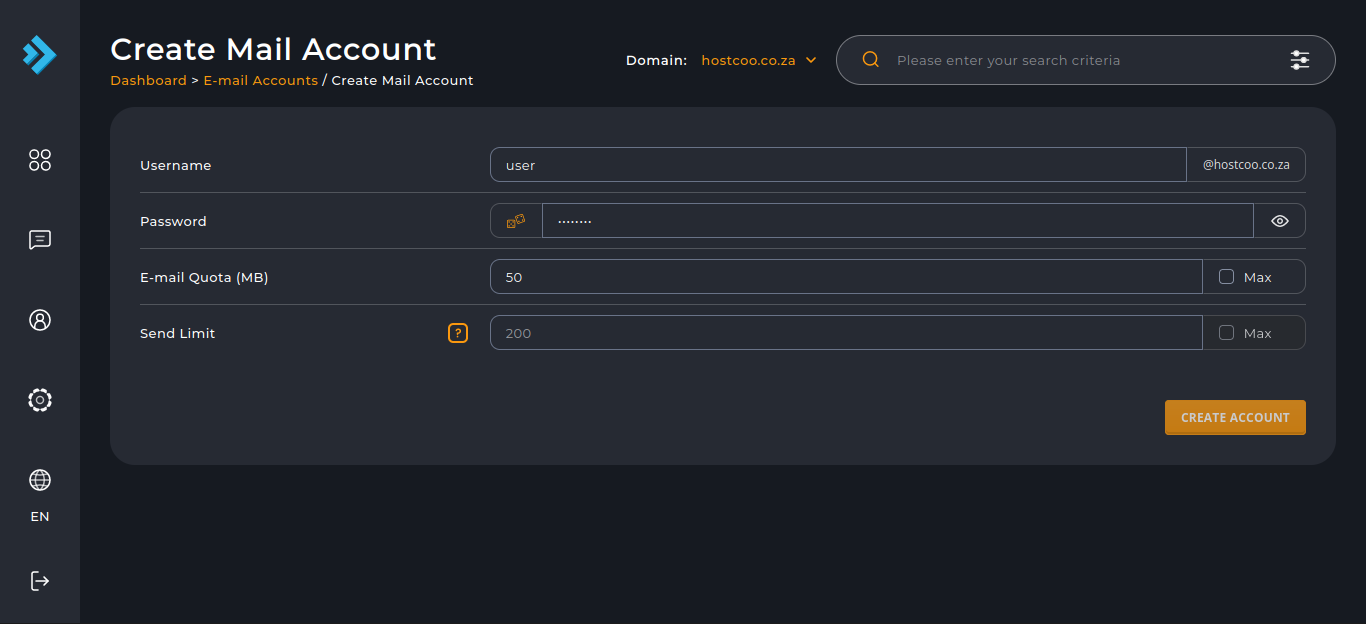
4) Enter the email account’s details and click the "Create Account" button.
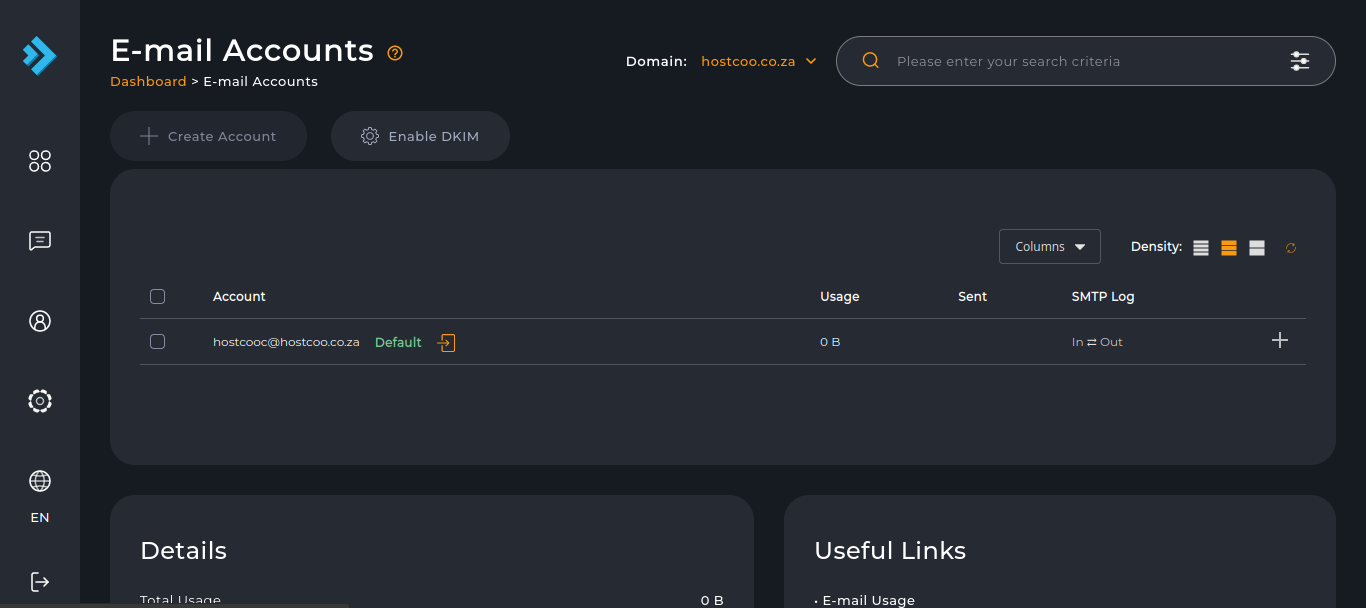
5) Your new email account has now been created.